Tips/Tricks
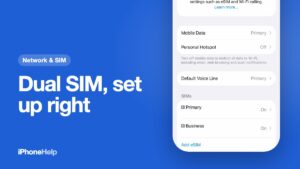
How to Use Dual SIM on iPhone: Calls, Data and UPI
Set up dual SIM on iPhone the Indian way: pick the data line, default call line, iMessage number and the right SIM for UPI, and stop missing calls.
 Peru Porwal
Set up dual SIM on iPhone the Indian way: pick the data line, default call line, iMessage number and the right SIM for UPI, and stop missing calls.
Check if an iPhone is genuine before you pay: the serial on Apple's coverage page, the model number letter, Parts and Service History, IMEI and import checks.
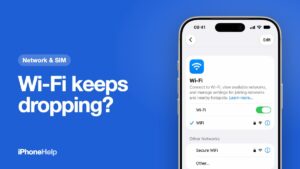
iPhone Wi-Fi keeps disconnecting? Restart the router, forget and rejoin the network, check Private Wi-Fi Address and Connectivity Assist, then reset.
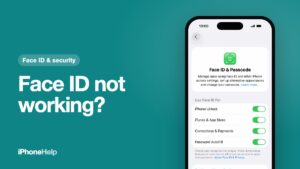
Face ID not working? Clean the TrueDepth camera, check Face ID settings, restart and update, then reset it. Plus what 'Face ID is not available' means.
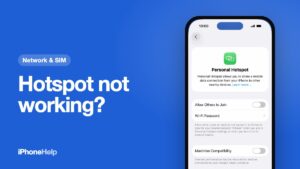
iPhone hotspot not working? Turn on Allow Others to Join, check your data pack and Maximise Compatibility, then the hotspot APN if it's missing.
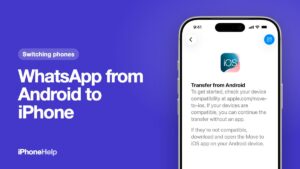
Transfer WhatsApp from Android to iPhone with Move to iOS: what to check first, the steps on both phones, and what to do if your iPhone is already set up.
Block spam calls on iPhone in India: turn on TRAI DND with Jio, Airtel or Vi, screen unknown callers so deliveries get through, and report fraud on Chakshu.
iPhone not charging, stuck at 80% or showing Charging On Hold? Check what Settings says, then the cable, lint in the port and heat, in that order.
Set up eSIM on iPhone with Jio, Airtel or Vi: convert your SIM in Settings, move it to a new iPhone, or use MyJio, Airtel Thanks or the Vi app.
iPhone battery replacement price in India, model by model, plus when Battery Health says it's time and how to pay less for a genuine battery.